Is Pesums Browser secure? ∨
Yes. Pesums is built for maximum security from the ground up. Every tracker,
cookie, and fingerprinting attempt is blocked by default. Connections upgrade to HTTPS
automatically. No third-party code runs inside the browser. No data leaks. No
surveillance. Security is not a feature here it is the foundation.
How do I get Pesums? ∨
Pesums is currently in development and not yet publicly available. It is launching first
on Android. Windows, macOS, Linux, and iOS will follow. When it
launches, download, install, and you are browsing privately within
seconds. No forced account. No registration wall. Just the browser.
How do I get Pesums? ∨
Pesums is released — the latest version is available for
Android.
Windows, macOS, Linux, and iOS are coming later.
Download, install, and you are browsing privately within seconds.
No forced account. No registration wall. Just the browser.
Why is Pesums paid and not free? ∨
Because free browsers pay their bills by selling your data or showing you ads. That is
the exact opposite of what Pesums stands for. Pesums is paid so it has zero financial
reason to touch your data ever. Your $33 is the entire
business model. Nothing else.
Does Pesums collect any user data? ∨
No. Pesums never collects, stores, or shares your personal data. No
tracking, no telemetry, no background monitoring. Your history, tabs
, searches, passwords , and all browser data stay fully
offline on your device. No cloud sync, no external servers, no hidden
connections. Zero. That is not a policy it is the technical architecture.
Can websites track me on Pesums? ∨
No. Pesums blocks all standard tracking methods cookies, pixels,
fingerprinting, cross-site tracking, and behavioral profiling. Websites cannot
follow you across the web. Advertisers cannot build a profile on you. You browse without
leaving a readable trail.
What makes Pesums different from Brave, Firefox or Chrome?
∨
Brave and Firefox are genuine improvements over Chrome but still collect telemetry, run
background services, and in Brave's case have built-in advertising systems.
Chrome is surveillance infrastructure dressed as a browser. Pesums collects zero data
not minimal, not anonymized, zero. No telemetry runs in the background.
No ad network. No sync servers. The difference is architectural, not cosmetic.
Does Pesums block ads on YouTube? ∨
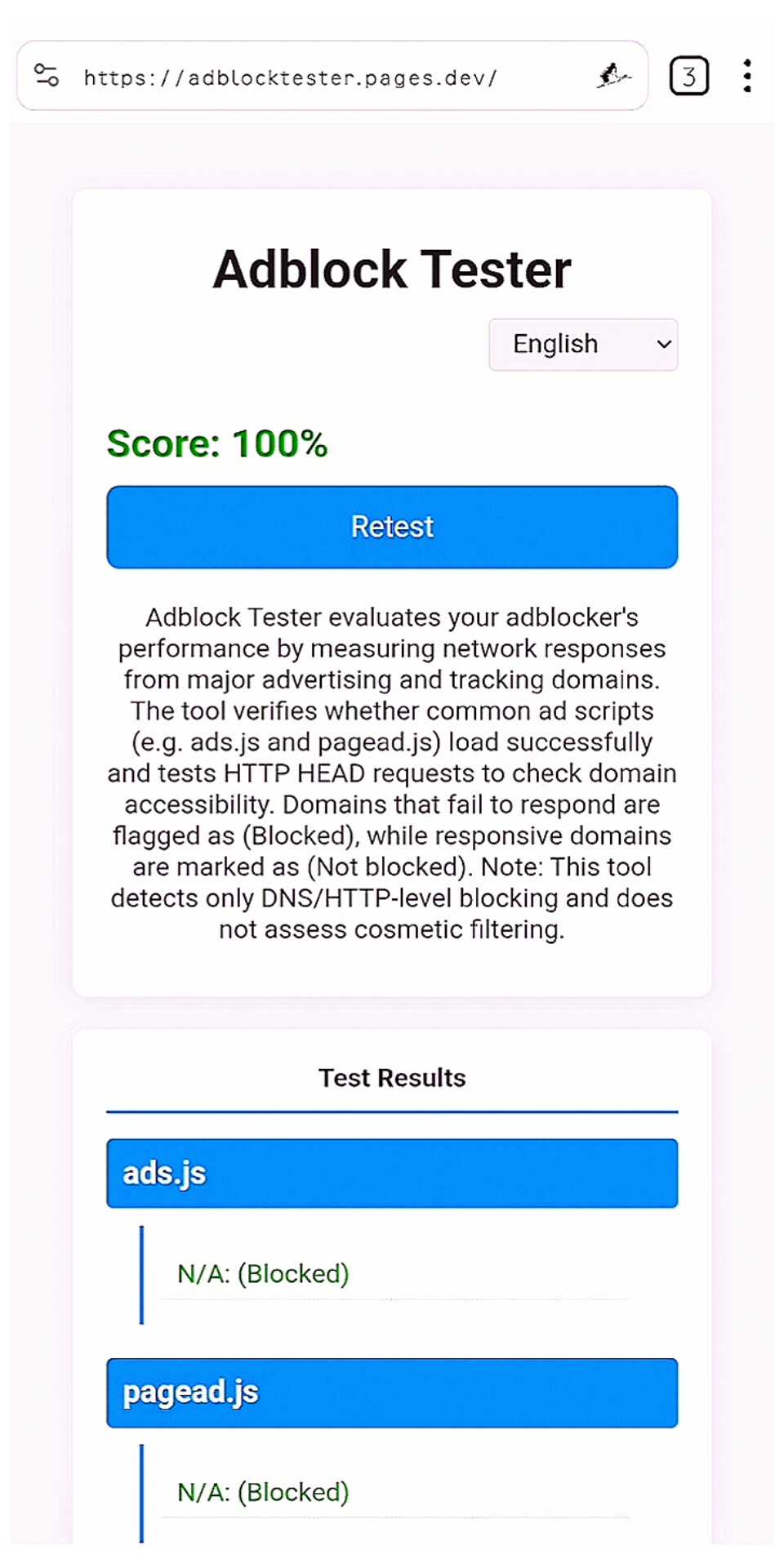
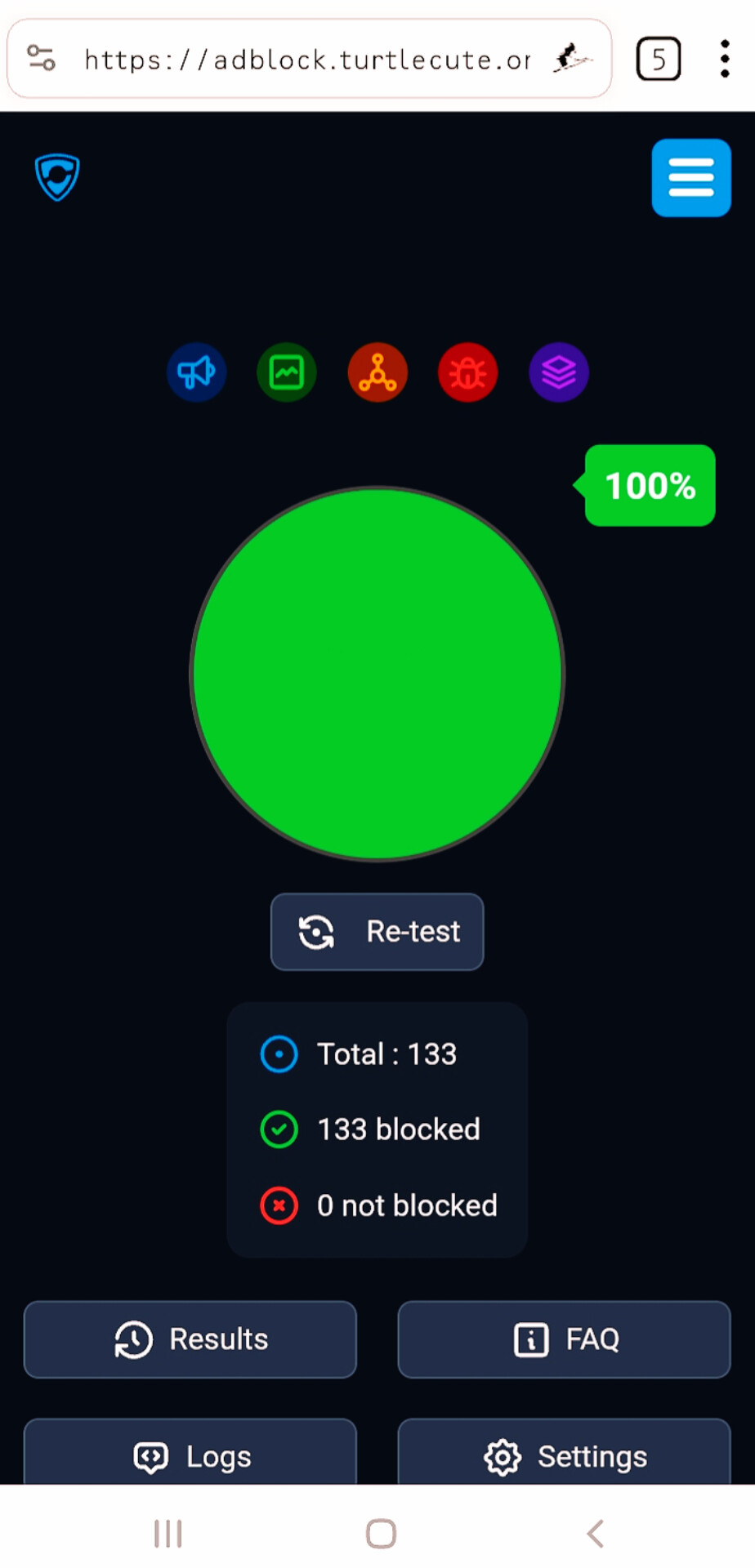
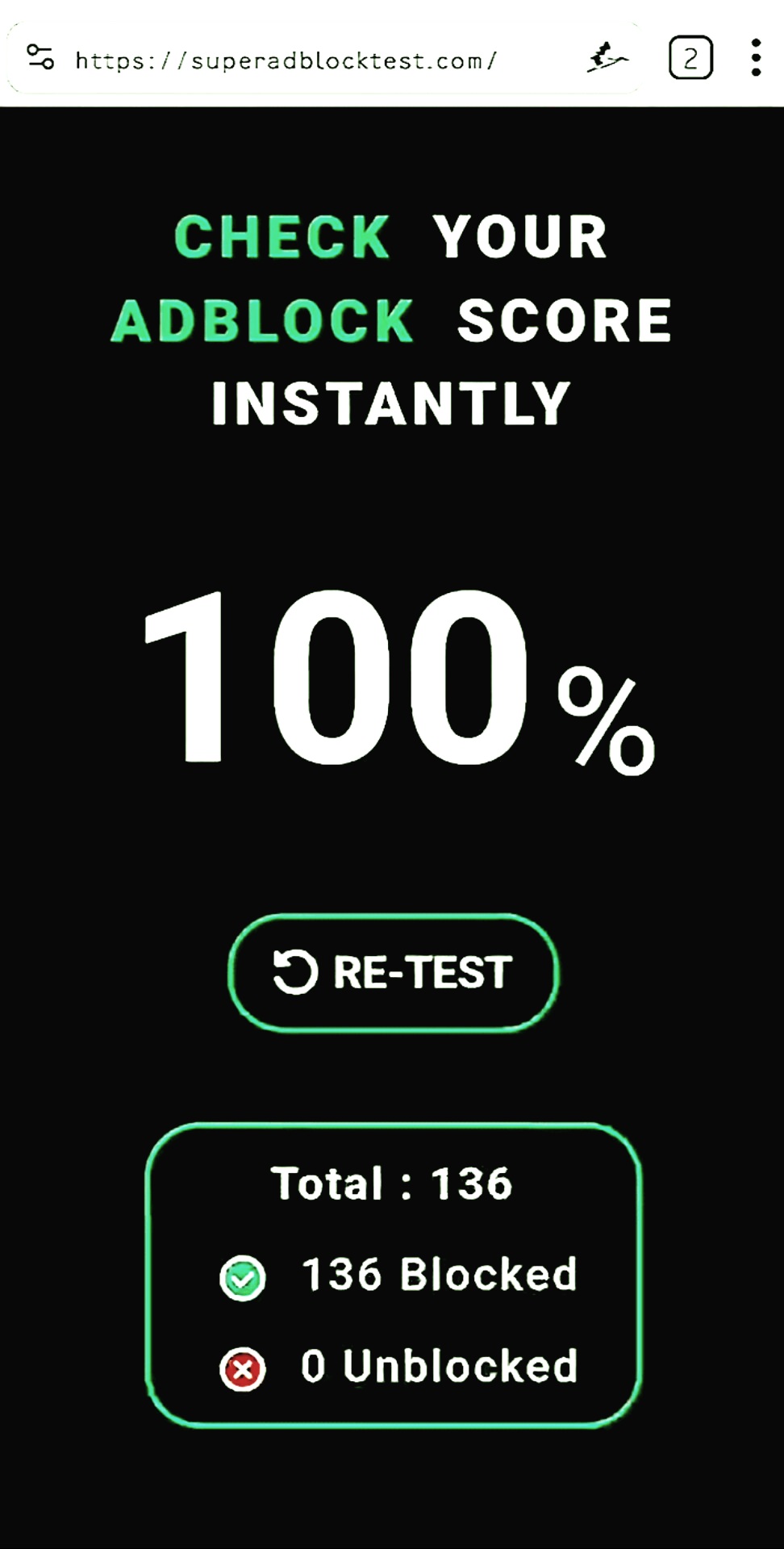
Pesums Shield blocks ads and trackers across the internet, including YouTube.
YouTube actively works to break ad blockers and changes its methods frequently no
browser can guarantee 100% YouTube ad blocking permanently. Pesums blocks aggressively
and updates its blocking engine, but if YouTube changes something, there
may be a gap until it is patched. Everywhere else on the web, blocking is
comprehensive and consistent.
What is Pesums Shield? ∨
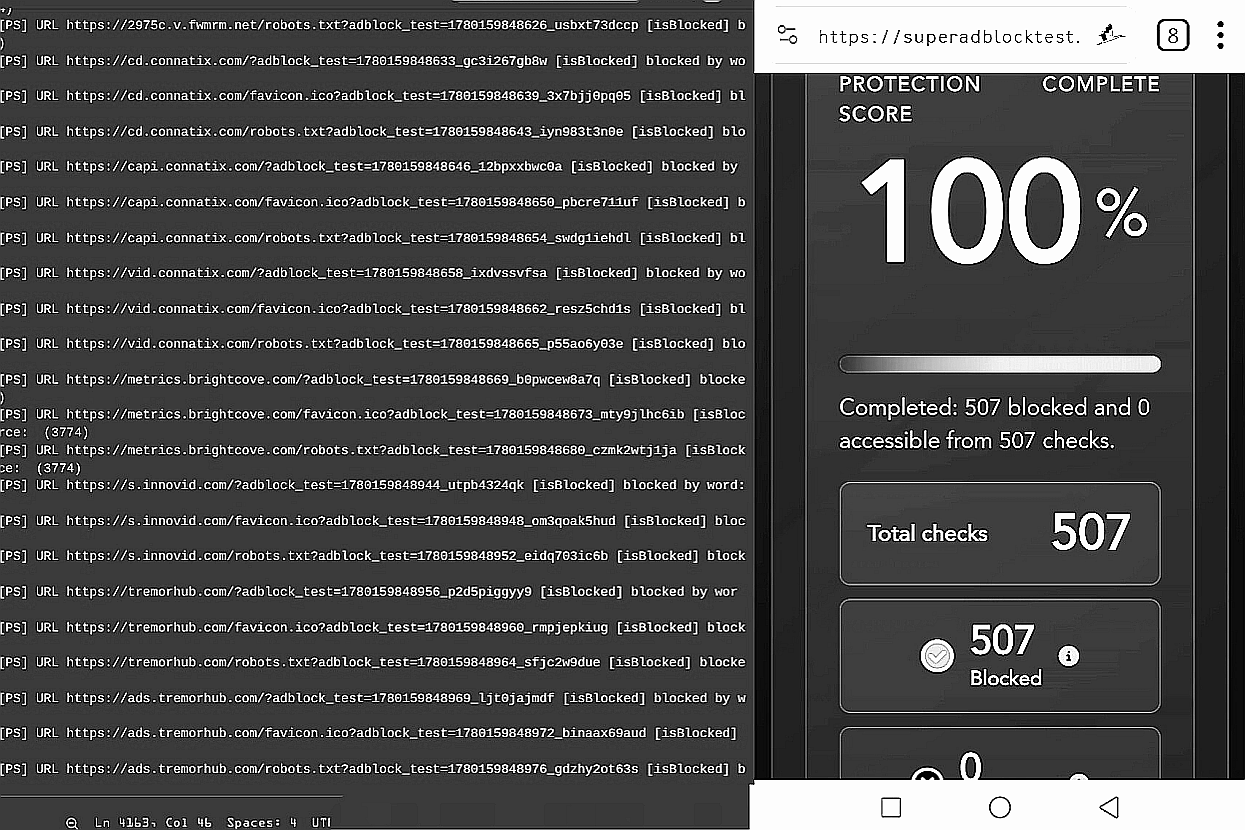
Pesums Shield is the core protection layer built into every session. It blocks ads,
trackers, malicious scripts, and fingerprinting attempts before they load
locally, on your device, with zero data sent anywhere. It runs in two
modes: Aggressive for maximum blocking, and Balanced for everyday use where some
site functionality needs to be preserved. No setup required. It is on by default.
How fast is Pesums compared to other browsers?
∨
Significantly faster in practice. When a browser blocks ads, trackers, and
third-party scripts before they load, pages have less to download and render.
Heavy news sites, blogs, and social pages that normally load dozens of
tracking scripts load noticeably faster. The exact difference varies by site pages with
aggressive ad loads show the biggest improvement.
Is Pesums open source? ∨
Pesums is built on open-source technologies. The core browser engine and underlying
frameworks are open and auditable. The Pesums-specific codebase and blocking engine are
proprietary. There are no hidden trackers, no backdoors, and no secret
data collection the zero-collection architecture is verifiable through network
inspection. A user with a packet analyzer will see zero outbound calls to Pesums
servers.
Does Pesums have a password manager? ∨
Yes. Pesums includes a local encrypted password vault. No cloud sync, no external
servers. Your passwords are stored on your device only, protected by a master
password or biometric authentication. Nothing leaves your device.
Does Pesums sync across devices? ∨
No. Pesums does not sync and does not have sync servers. Everything history, passwords,
settings, bookmarks stays on the device it was created on. This is not a
limitation. It is a deliberate privacy decision. Sync requires a server. A server means
your data leaves your device. Pesums does not do that.
What search engines does Pesums support?
∨
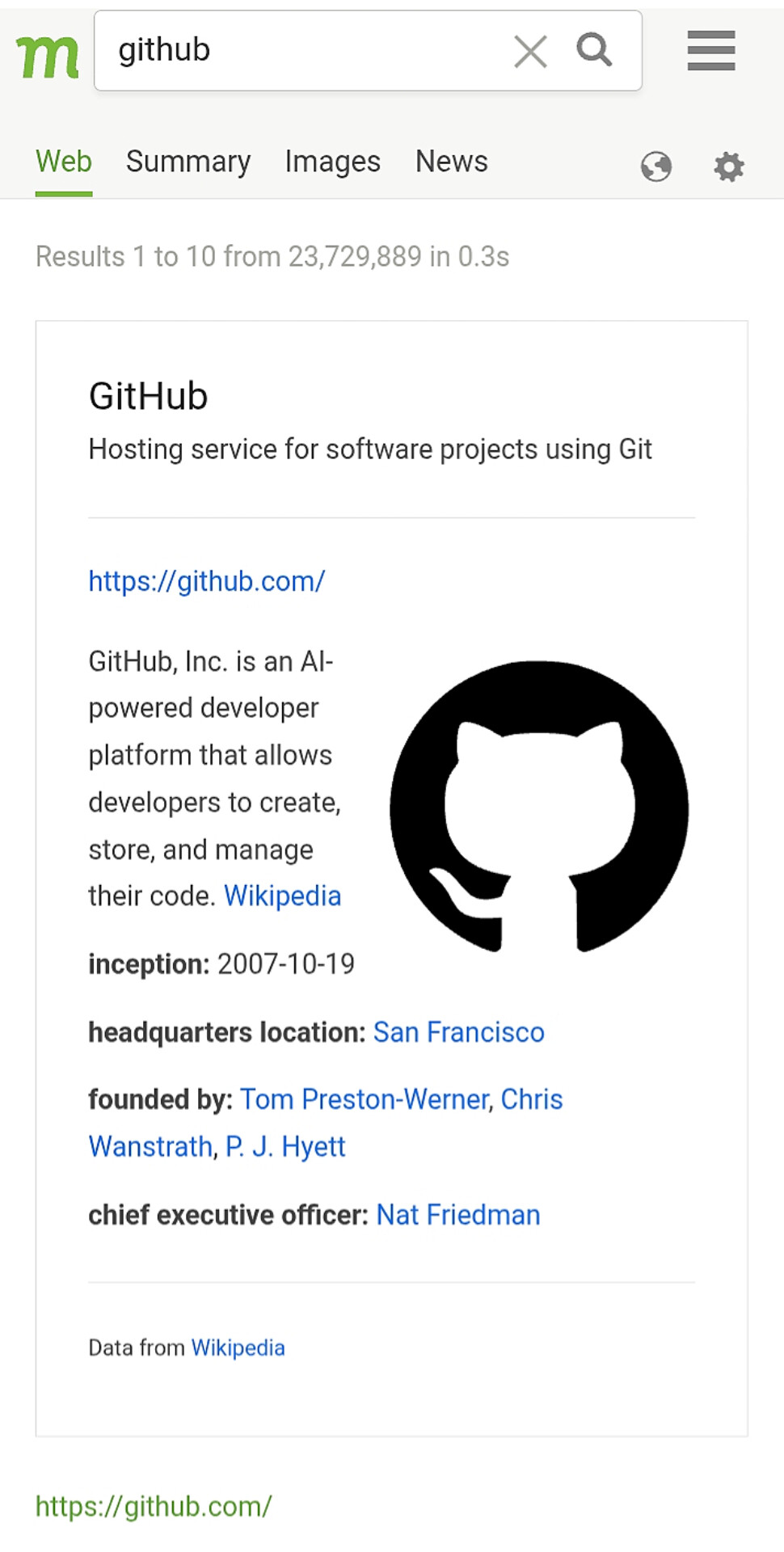
Pesums supports privacy-respecting search engines including Brave Search, DuckDuckGo,
and Mojeek by default. Search suggestions are cached locally no search query is
transmitted to Pesums. You choose your search engine. Pesums does not override or
monetize your searches.
Does Pesums have a VPN? ∨
Pesums includes a built-in DNS-based blocking layer that uses the Android VPN interface
locally it does not route your traffic through any external server. It is not a
traditional VPN. No tunnel, no third-party server, no IP masking. It uses
the VPN interface as a technical mechanism to intercept and block DNS requests before
they resolve, entirely on your device.
What is keyword-based DNS blocking? ∨
Traditional blocklists work by exact domain name you block tracker.example.com and only
that specific domain is stopped. Ad networks rotate subdomains and CDN hostnames
constantly
, making exact lists a losing game. Pesums blocks at the keyword
level. If your word list contains "track"
, then tracking.adjust.com
,
ads-tracking.doubleclick.net
, and app-tracking.appsflyer.com are all blocked
because the hostname contains the keyword. One word blocks hundreds of unknown variants
automatically.
Read more →
Does the DNS blocking slow down browsing?
∨
No. The DNS check happens locally on your device before any network request is made.
There is no round trip to an external server. Blocking a request locally is faster than
allowing it and waiting for a response from a tracker server. In practice, blocking
speeds browsing up, not down.
Can I customize what gets blocked? ∨
Yes. You control your keyword word list entirely. Add full domains for precise
blocking, add short keywords like "pixel" or "beacon" to catch unknown trackers,
create whitelists for trusted sites, and review what was blocked in real time.
All rules are stored locally on your device. Nothing is uploaded.
Will the DNS blocking break websites?
∨
Aggressive mode may occasionally block something a site needs to function. This is the
tradeoff of maximum blocking. Balanced mode is tuned to block the majority of threats
while allowing non-intrusive elements that sites need. If a specific site breaks, you
can whitelist it instantly without changing your global settings.
Does Pesums hide my IP address? ∨
No. Pesums does not mask your IP address. It is a browser and DNS blocker, not a
VPN or proxy. If you need IP-level anonymity, use Pesums alongside a trusted VPN
or Tor. Pesums handles what browsers and DNS can handle tracker blocking, fingerprint
resistance, ad elimination. IP masking is a separate layer.
Does Pesums work with my existing VPN?
∨
Yes. Pesums' browser-level blocking works independently of your network setup. Use it
alongside any VPN you trust. The DNS blocking layer uses Android's local VPN interface
on some devices running both simultaneously may require configuration. The browser
itself works with any VPN active.
How do I know Pesums is actually not collecting data?
∨
Run a network monitor or packet analyzer while using Pesums. You will see zero outbound
connections to Pesums servers because there are none. The only outbound traffic is to
websites you deliberately visit. This is verifiable by any technically capable user. We
say this because it is technically true, not because it makes good marketing
copy.
What happens to my data if Pesums shuts down?
∨
Nothing changes. Because Pesums never held your data to begin with, there is
nothing to lose, sell, or hand over. Your browser history, passwords
, and settings live on your device. If Pesums ceased to exist
tomorrow, your local data would be completely unaffected.
Can Pesums be compelled by a court to hand over my data?
∨
No. Pesums cannot hand over what it does not have. We hold zero user data no browsing
history, no IP logs, no account records, no usage telemetry. A
court order against Pesums would return nothing because there is nothing stored.
Is my payment information private? ∨
Payment is processed by Lemon Squeezy
, an
industry-standard payment processor and Merchant of Record. Pesums never sees or stores
your payment card details. The transaction goes through
Lemon Squeezy directly. What Pesums receives is
confirmation that a valid license was purchased. That is all.
What is your refund policy? ∨
Contact us at contact@pesums.com. We handle refund
requests individually and fairly. Pesums is a small independent product we are not a
faceless corporation with automated denial systems. If you have a genuine issue,
reach out directly.
Who built Pesums? ∨
Pesums is an independent
, self-funded privacy project. Not a corporation. Not
VC-backed. No investors with data monetization incentives. Built by someone who believes
surveillance capitalism is a real problem and that a browser that collects nothing is
the only honest answer to it.
Profile
→